
BIW Fixture Design
Learn locating, clamping, supporting, gun-clearance, 3D finish and detailing through an automotive fixture workflow.
View BIW programPrepare through guided projects in BIW Fixture Design, CATIA V5, CAD automation, Robotics Simulation, ROS 2, Digital Twins and Physical AI foundations.

Our placement team works with an established client base across India to identify relevant opportunities, prepare candidates and coordinate the hiring process.
Explore placement supportPlacement assistance is not a job guarantee. Individual hiring outcomes depend on eligibility, skill, interview performance and available roles.
Start with the role and its deliverables, then build the software, domain and communication skills required to do the work.
Learn locating, clamping, supporting, gun-clearance, 3D finish and detailing through an automotive fixture workflow.
View BIW programDevelop robot-cell layouts, reach studies, motion paths, sequences and virtual validation for automation work.
View simulation programUnderstand robot communication, models, simulated motion and validation before progressing toward hardware.
View ROS 2 programBuild strong part, assembly, surface and drafting skills, then apply them through guided mechanical projects.
View CATIA V5 program
Software proficiency matters, but confident engineers also understand inputs, constraints, design intent, review checks and deliverables. Our training brings those decisions into guided practice.
Compare the scope, expected outputs and starting level before choosing a batch.
Study the complete fixture-design workflow from input data and process planning to 3D finish and detailing.
Build virtual robotic cells, validate movement and communicate simulation findings before physical commissioning.
Develop practical skills in parametric modelling, assemblies, surface design and production-ready drawings.
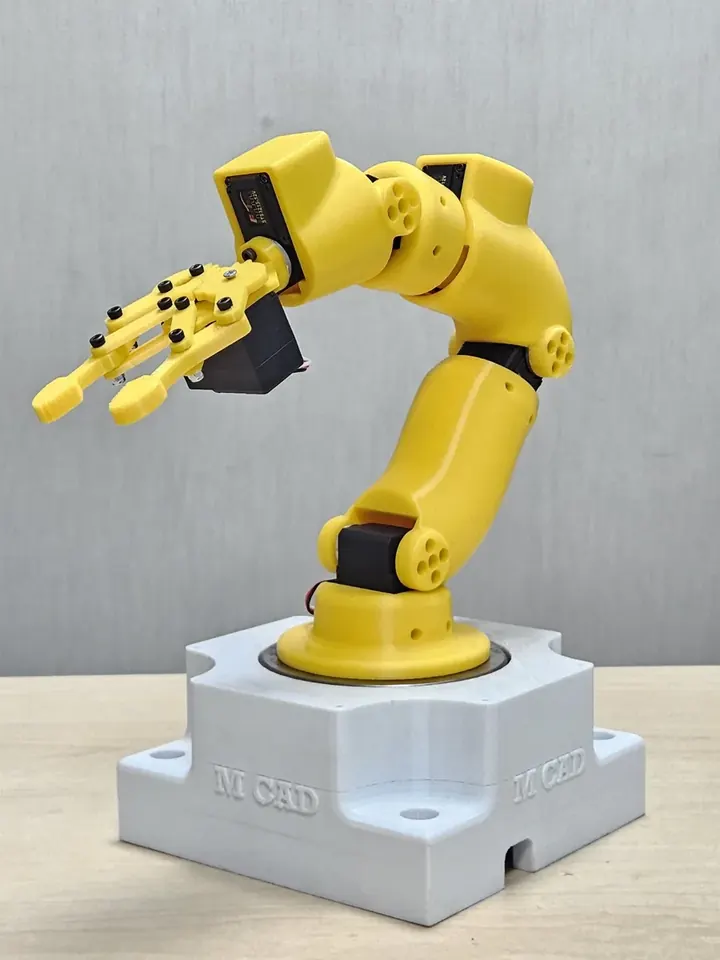
Learn robot communication, modelling, simulated motion and virtual validation through a simulation-first pathway.
Every learning path progresses through understanding, practice, review and presentation.
Tell us your current experience and preferred career path. We will help you compare suitable options.
Recorded learning · M CAD Solutions
Explore recorded CATIA, BIW concept design and drafting courses. Compare the syllabus, language and learning requirements to choose your next step.
Review each course’s language, access validity and support details before enrolling.